We have also added ID card access to the lab for students, eliminating the need for a staff member or student worker to be present to allow them in. Special thanks to Eduardo Brugman, eLearning & Technology Coordinator in the School of Business (and soon-to-be father), his staff, and our campus Information Technology Department for their work on all of this over the summer.
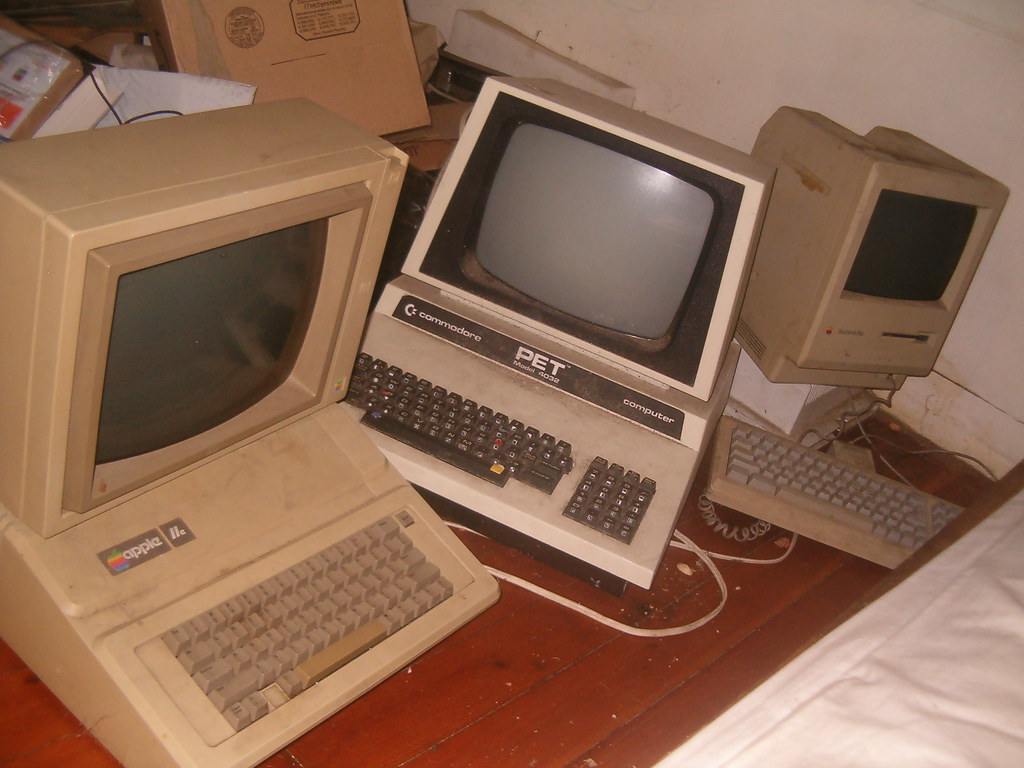 |
| Photo Credit Leif K-Brooks |
- No food or drinks are allowed at anytime in the Lab as you will be held liable for any damage caused to the equipment.
- Check the Alarm Panel on the right before swiping your card. If the light is red don't open the door for the alarm will sound.
- Please find Cheryl or Vernell before continuing to enter.
- Tap your ID on the sensor to the right of the Door to enter the lab. Pull the door open quickly and close the door behind you.
- If your card does not open the door please take your card down to Student Life and ask for Fain and he will help reactivate your card.
- Do not let anyone else in with you as you will be held liable for any damage or missing equipment that they may cause.
- If you are unable to login to the computer(s) please go to MICOL in AMBS HALL for login troubleshooting. We CANNOT solve this problem in the School of Business.
- If the printer is jammed or out of paper, please see Cheryl or Vernell. DO NOT attempt to fix the problem yourself.
- The lab will be available to you from Sunday thru Friday, there are no posted times, BUT please check to see if there is a class meeting in the lab before entering.
- When security comes to lock the building down after 9PM, you will be requested to leave.
- Please save your work immediately and do not attempt to reenter the lab after the alarm has been set.
- If you have any questions, comments, or concerns please come see Cheryl and she will direct you to the appropriate person.